Blog
Notes from the GistBrief team on reading, saving links, and getting more out of what you read.
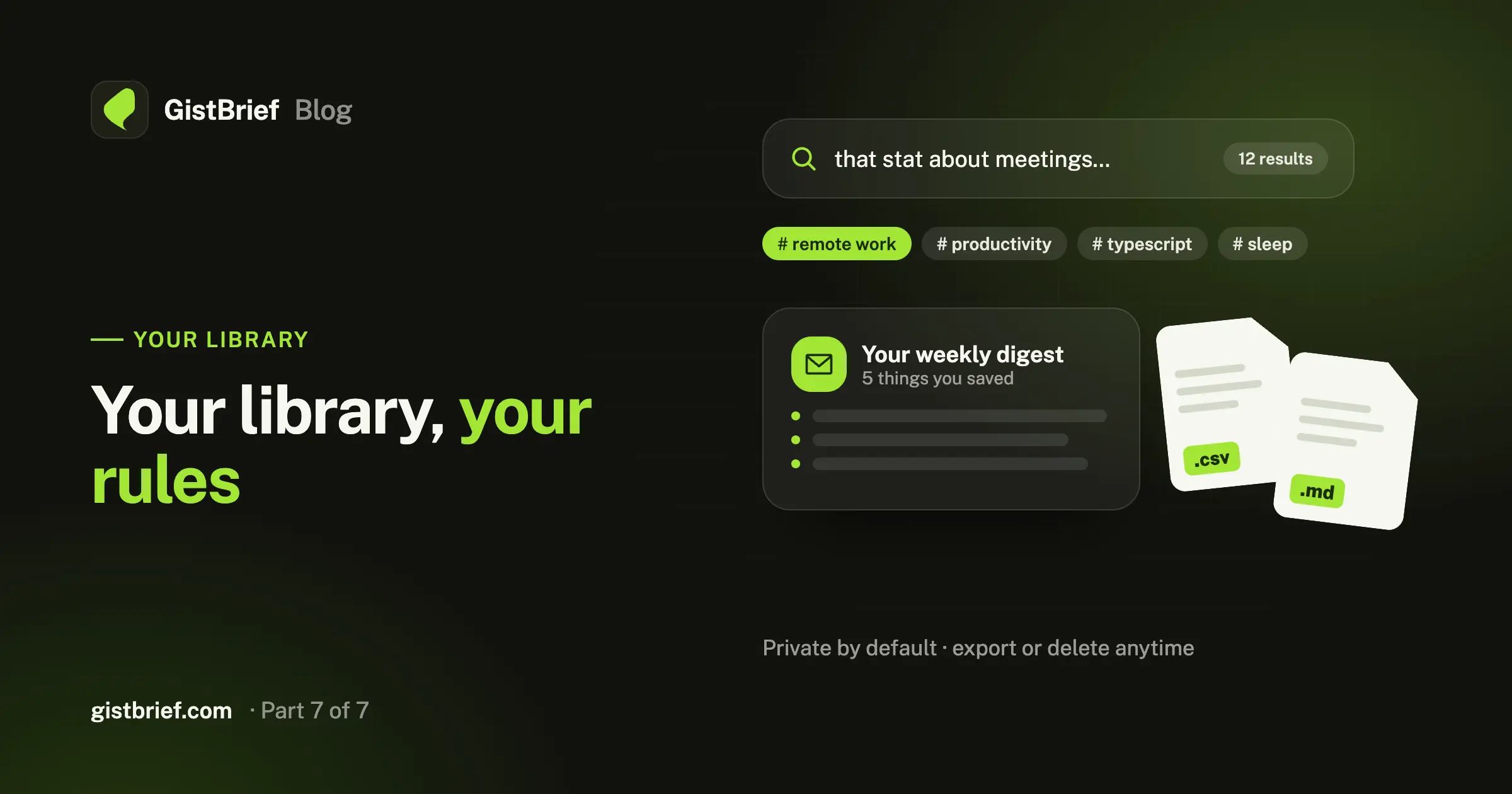
Find anything you've saved in seconds, get a weekly email of what you read, export everything as CSV or Markdown, and stay in control of your data.
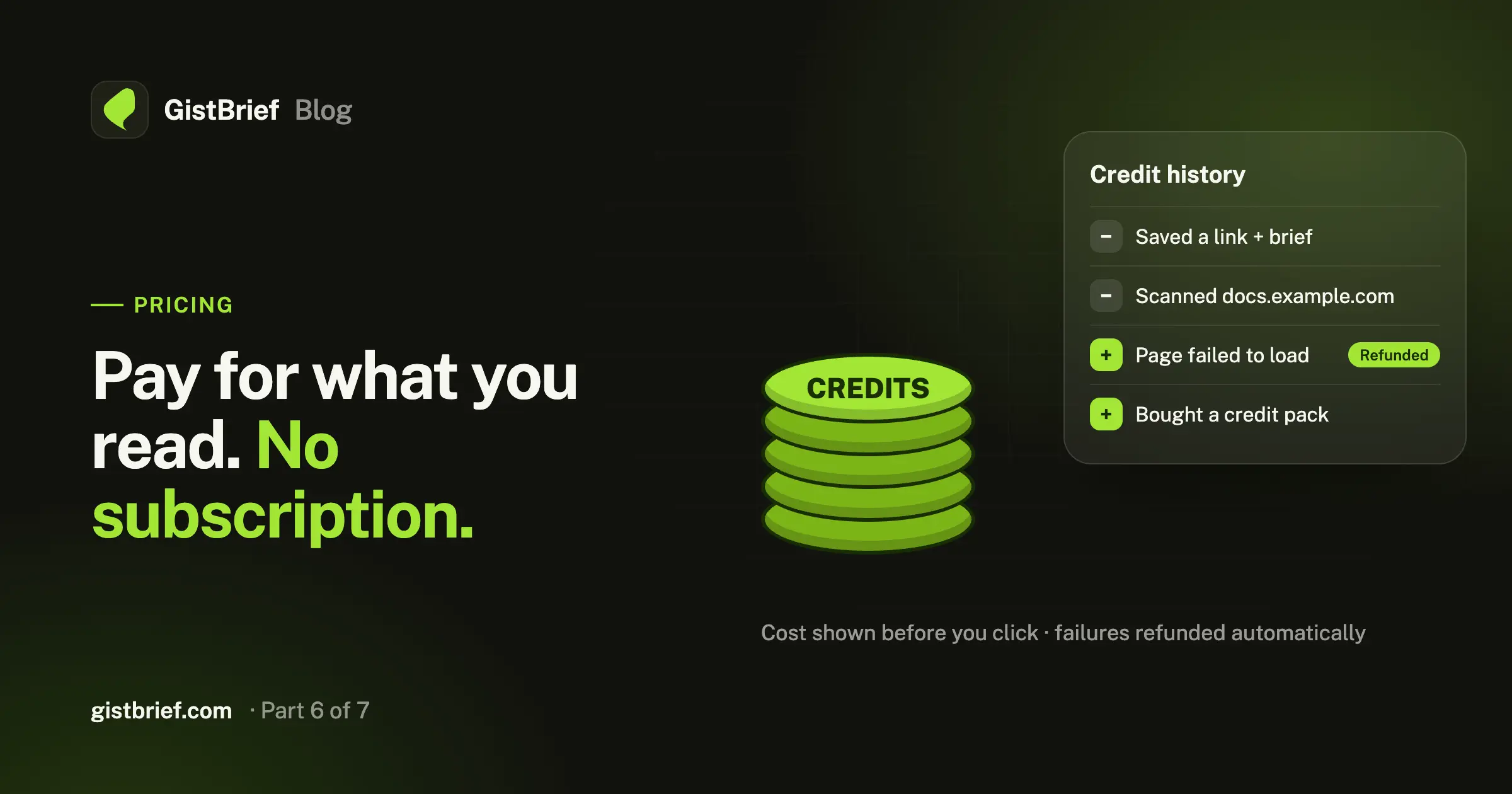
GistBrief has no monthly plan. You buy credits once and spend them on saving links and generating briefs. Here's how credits work, what they cost, and when you get them back.
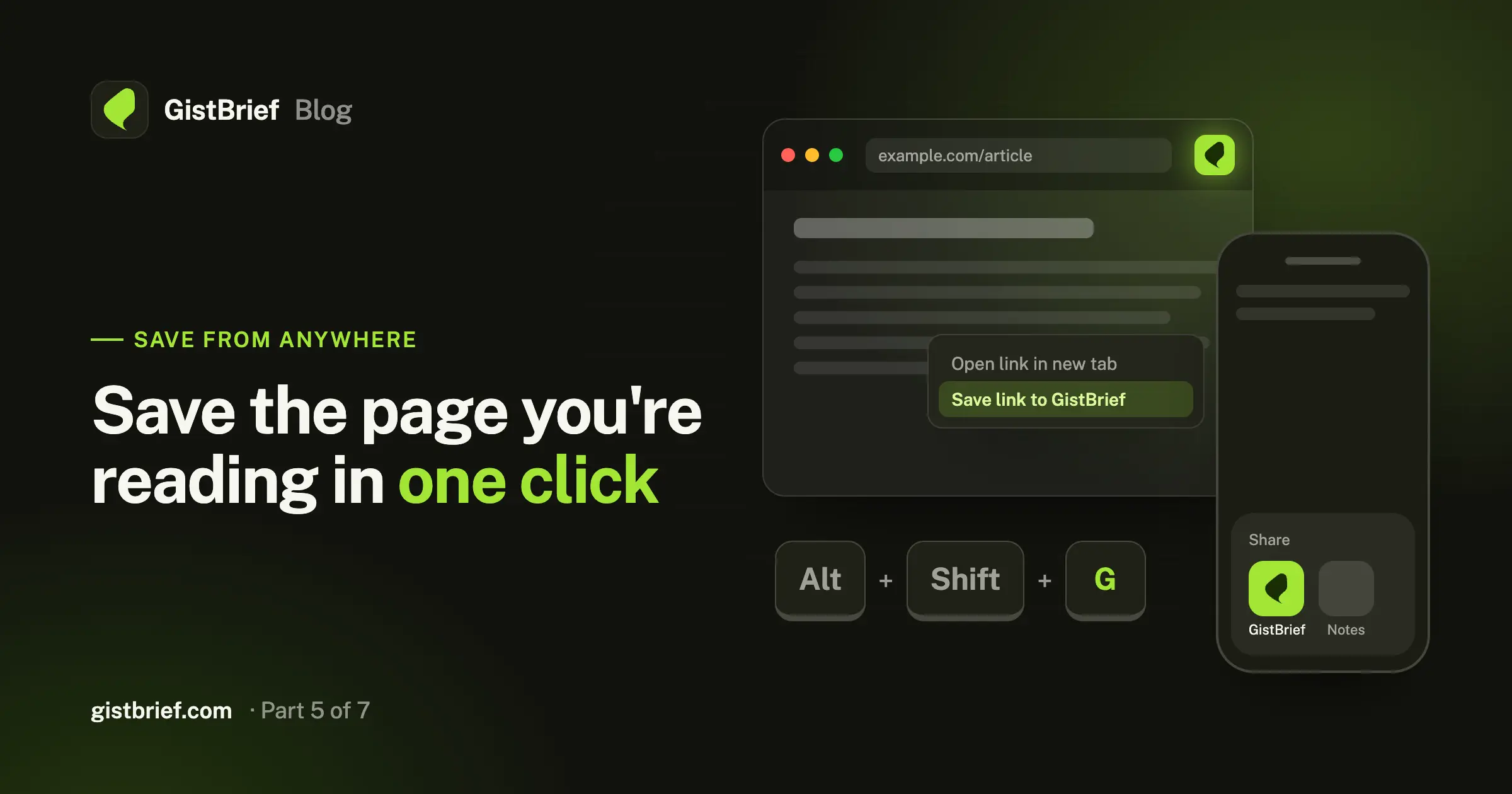
Save the page you're reading in one click, from Chrome, Safari, Firefox or your Android phone, without copying links around. Plus what the extension can and can't see.
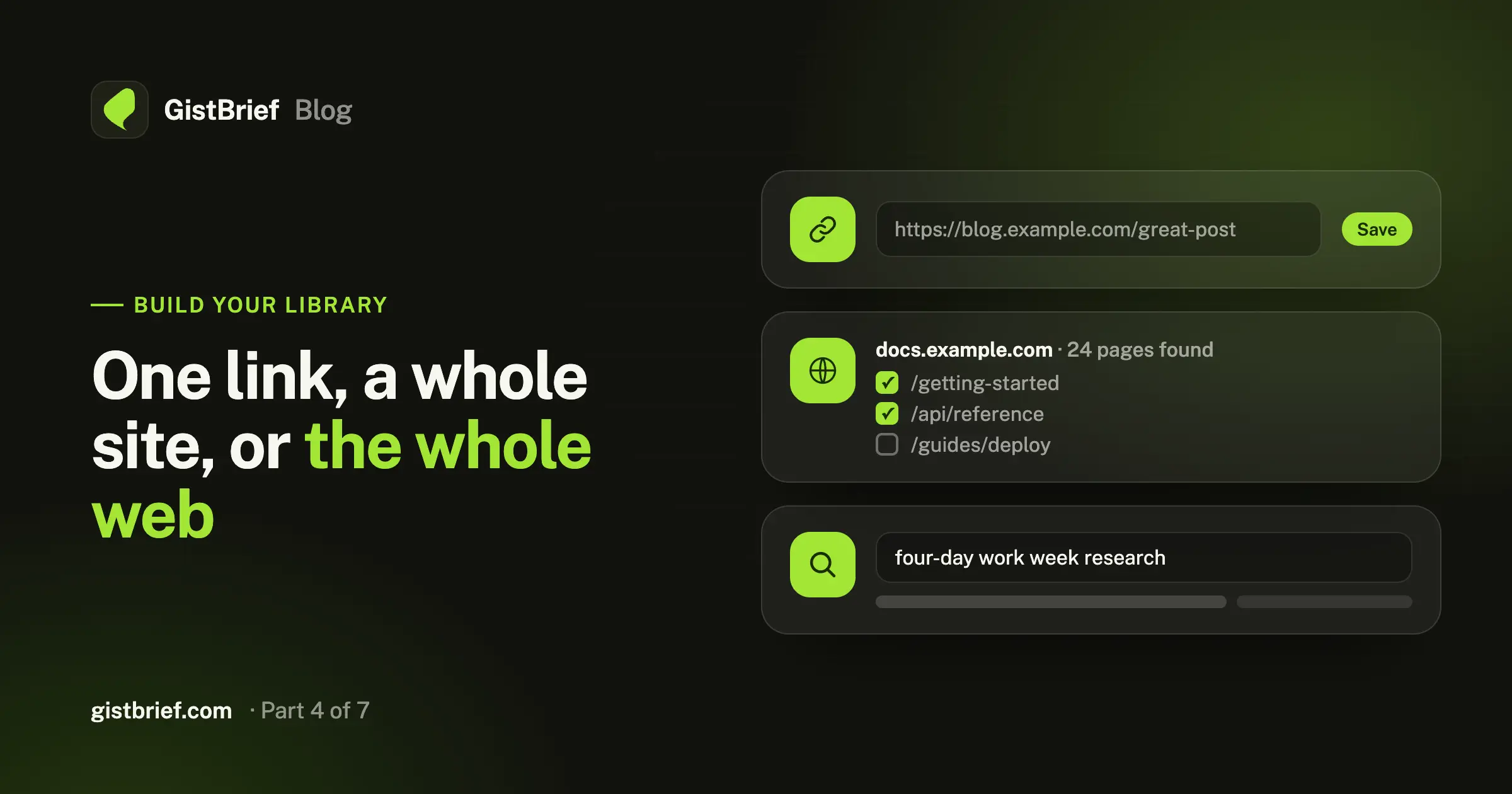
Save a single page, scan an entire blog or docs site, or search the web for a topic. Here's when to use each, with practical examples.
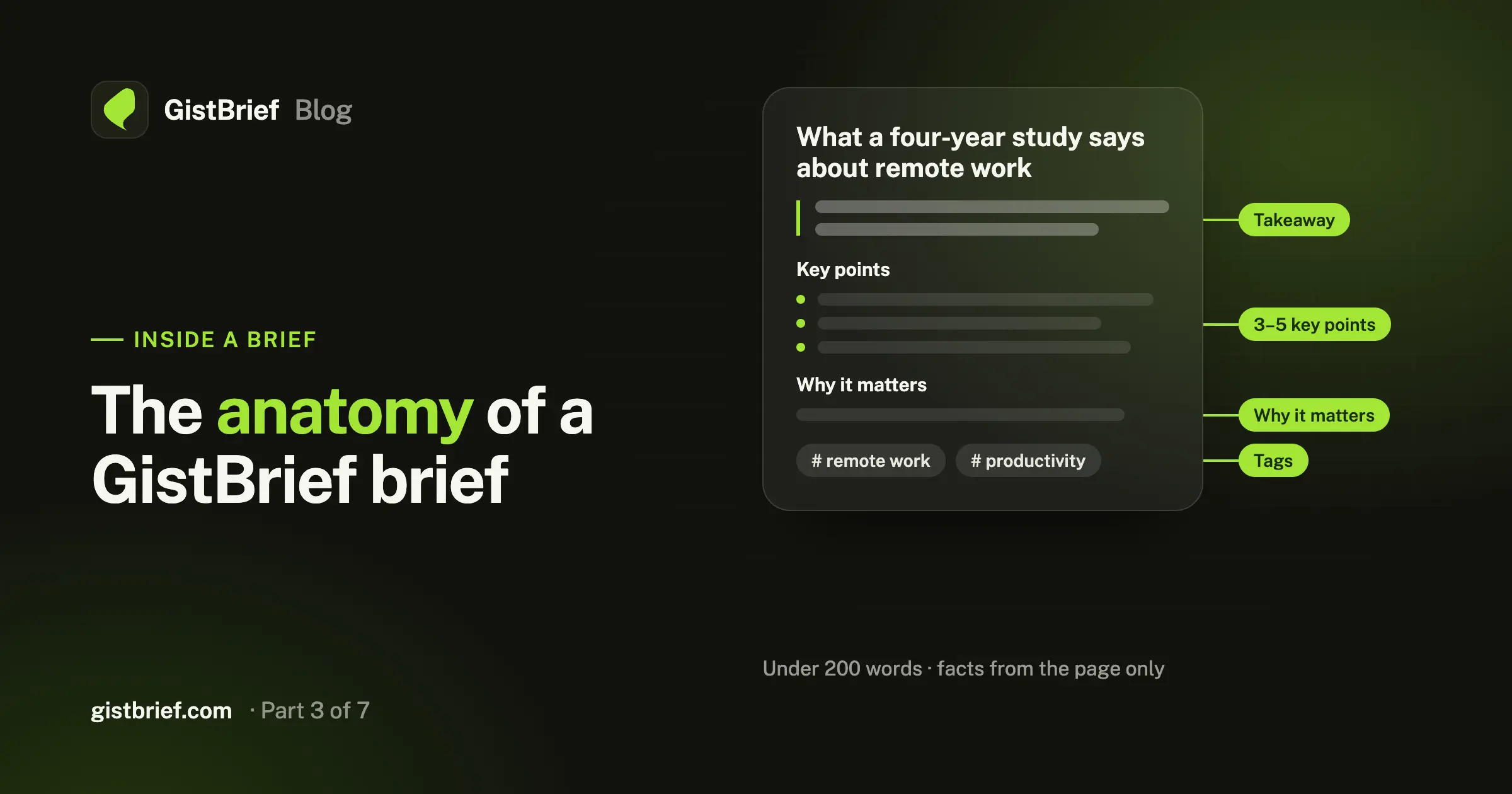
Takeaway, key points, why it matters, tags. Here's how a GistBrief brief is built, the rules behind it, and how to choose the AI model that writes it.
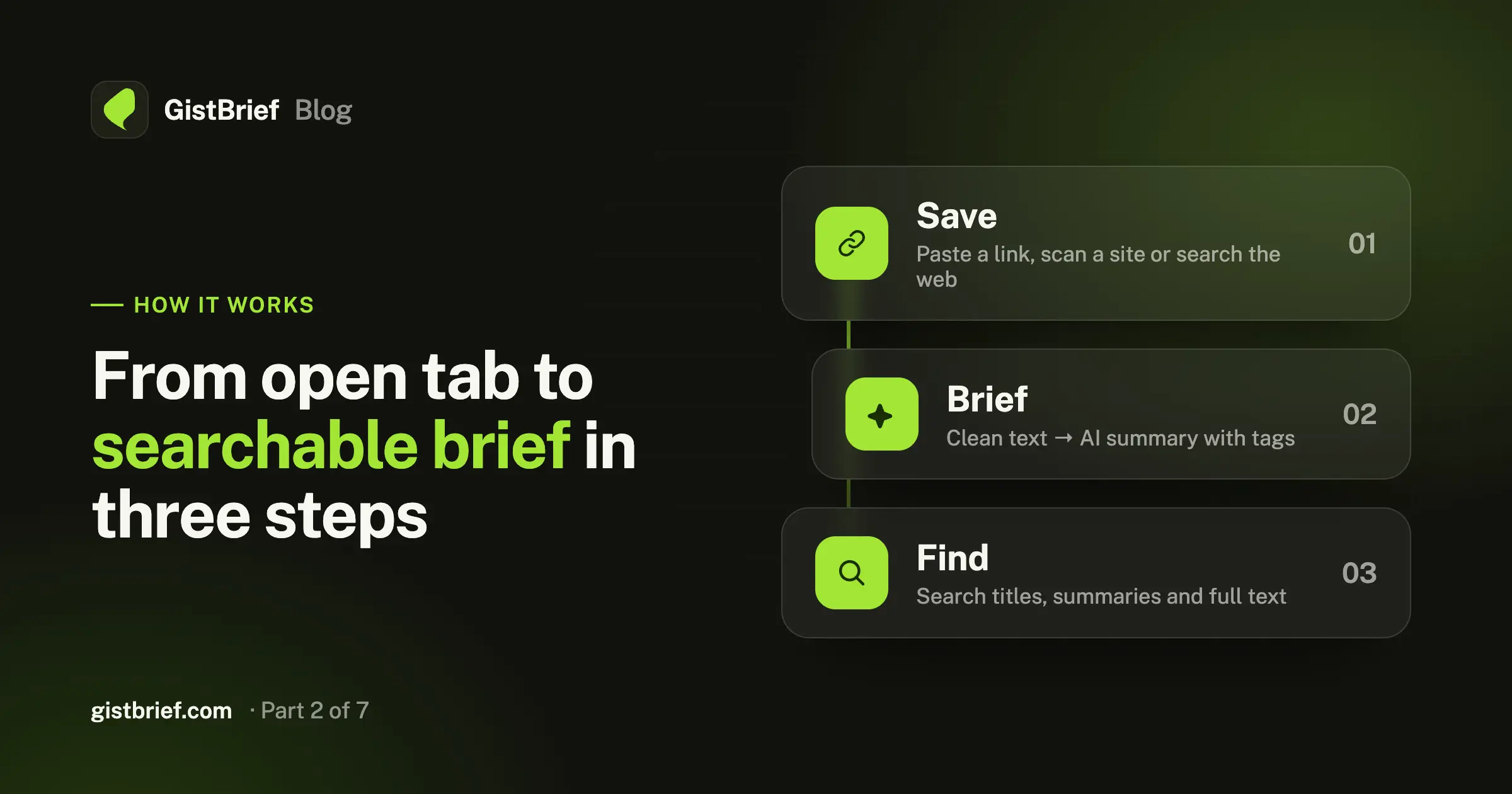
Save, Brief, Find. A behind-the-scenes look at what happens between pasting a link and getting a tagged summary in your library.
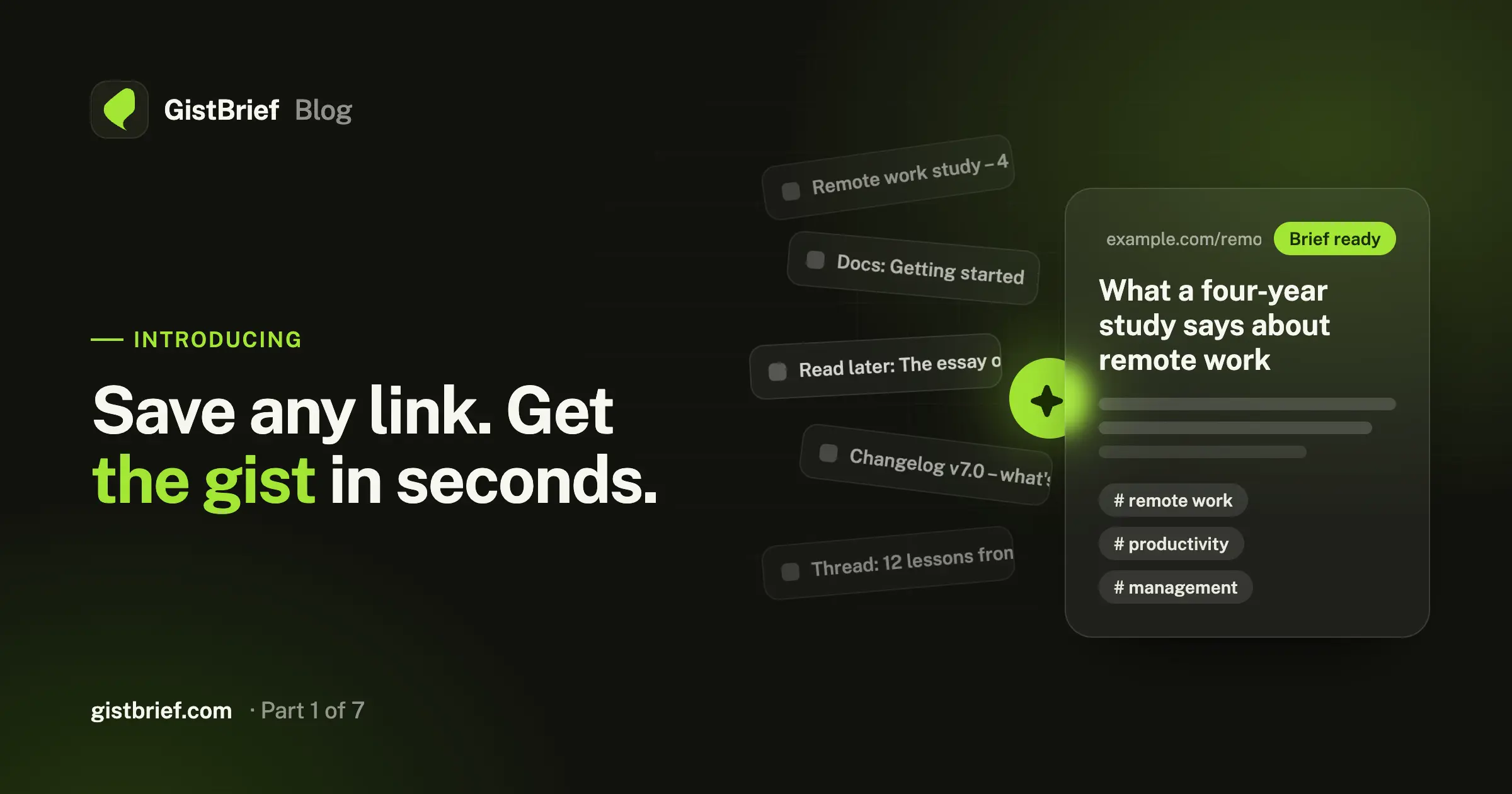
Your reading list is too long to read. GistBrief turns the links you save into short AI briefs with tags, so your reading list becomes a library you can search.